Sign a PDF online
Draw or type your signature, click the place on the page and download the signed PDF – on a phone or computer, without an account.
How it works
Choose your PDF
Up to 10 MB and 200 pages. The file is processed in memory and never stored.
Draw or type your signature
Draw it with a finger or mouse, or type your name and pick a handwriting style.
Click where it goes
Click the place on the page preview – the last page is chosen by default. Make it larger or smaller and add the date if you need it.
Download the signed PDF
Your signature is now part of the page. Nothing is kept on our server.
Contracts need evidence, not just a picture of a signature
HelpRange e-signature sends the PDF to every signer: each confirms a one-time code from their e-mail and agrees to sign electronically, and you get an audit trail, a certificate of completion and a sealed final PDF. A simple electronic signature from the Pro plan – one price per team.
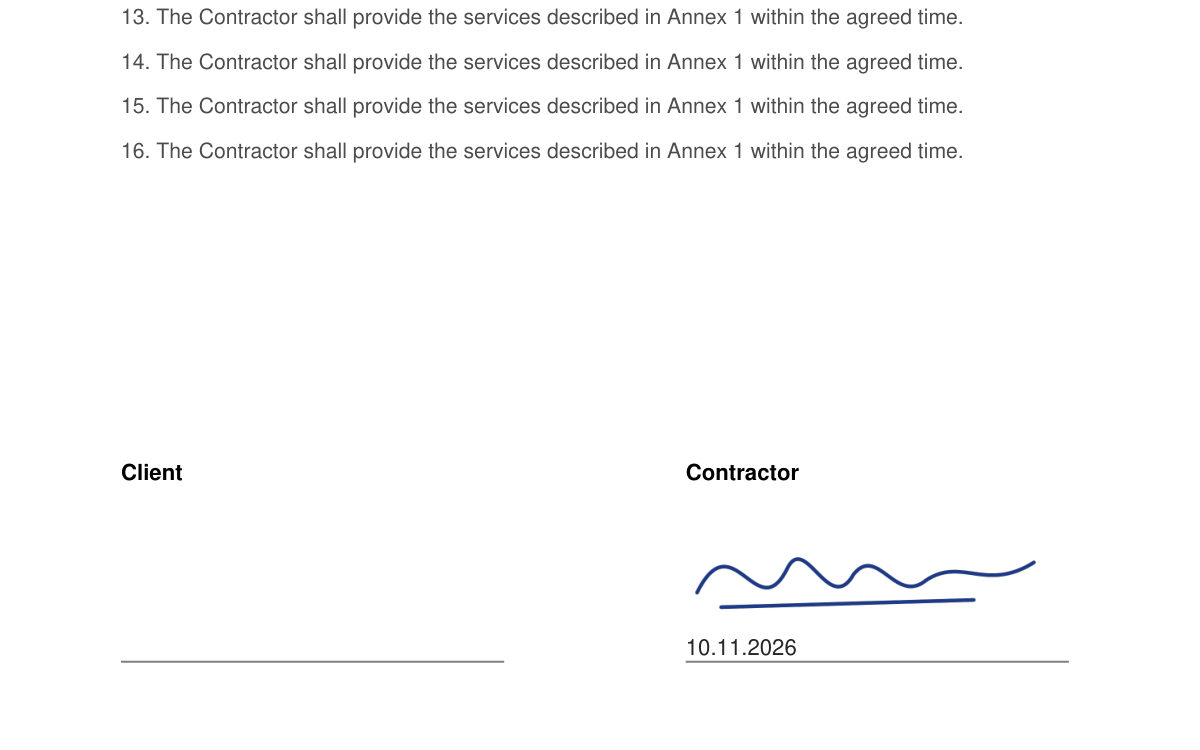
Use it to sign a form, a declaration, an order or a letter you will send yourself – instead of printing, signing and scanning. The signature is an image on the page, so anyone can see it but nothing in the file proves who put it there or when.
A picture of a signature – what it is good for
This tool does what you would otherwise do by printing, signing and scanning: it puts your handwritten-looking signature on the page. That is enough for many everyday documents – a form you send yourself, an order, a declaration, a letter or a timesheet – when the other side simply needs a signed copy.
What it does not give you is evidence. Anyone could paste the same image, and the file does not record who signed, when, or whether the PDF was changed afterwards. For contracts with a client or partner, send the document with HelpRange e-signature: every signer confirms a code from their e-mail, and you get an audit trail, a certificate of completion and a sealed PDF. Where the law requires written form – for example an employment contract in Poland – you need a qualified electronic signature or paper.
Sign a PDF online – questions
Is this a legally valid electronic signature?
It puts an image of your signature on the page – a simple electronic signature in the broadest sense, with no audit trail, no certificate and no proof of who added it. That is often fine for your own forms and informal documents. For contracts where you may need evidence, use HelpRange e-signature (e-mail code, audit trail, sealed PDF); where the law requires written form, use a qualified electronic signature or paper.
Is it a qualified electronic signature?
No. A qualified electronic signature needs a qualified certificate issued by a trust service provider after an identity check. This tool only draws your signature on the PDF.
Do you keep my file or my signature?
No – the PDF and the signature image are processed in memory and not stored.
Can I sign a PDF on my phone?
Yes – open this page on your phone, choose the PDF, draw your signature with your finger and tap the place on the page.