Create an expiring PDF link
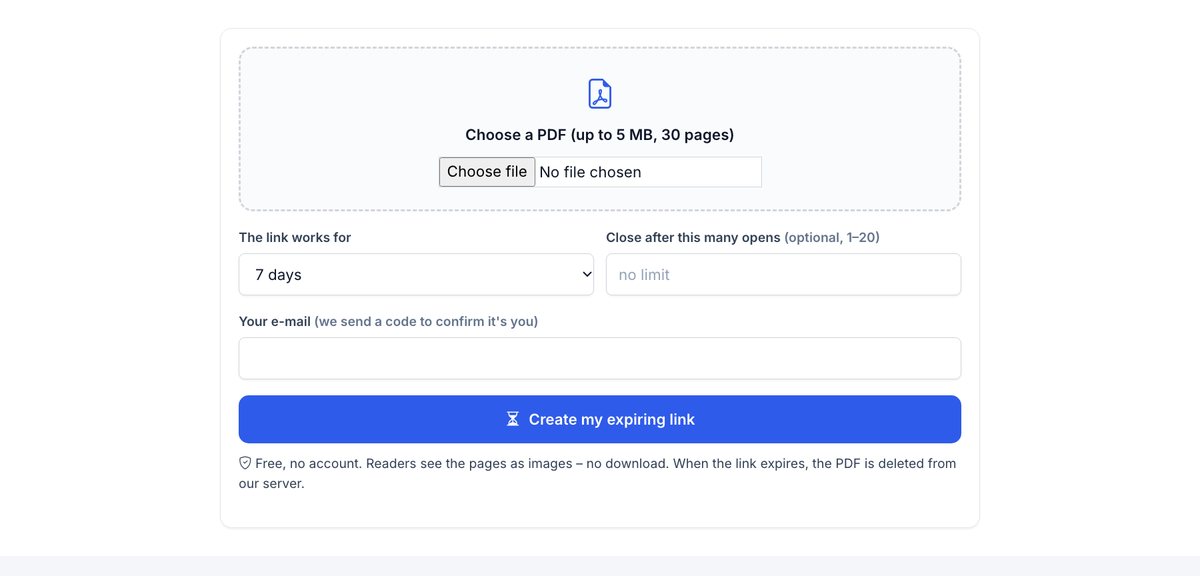
Upload a PDF, choose how long the link works and how many times it can be opened. When the limit is reached, the link stops working and the PDF is deleted.
How it works
Upload your PDF
Confirm your e-mail with a one-time code.
Set the limits
An end date (up to 7 days) and, if you like, a maximum number of readers (up to 20).
Share the link
When a limit is reached the link stops working and the file is deleted.
Expiry, plus names: know who opened it
HelpRange links expire on a date or after a number of views, verify each reader's e-mail, watermark every page and show who read what – and you can revoke access any time.
Sometimes a document should be readable for a short time only – a quote valid for a week, a draft for a meeting, a confidential report for one reader. An expiring link gives access for that window and then removes the document, instead of leaving a file in someone's inbox forever.
When documents should expire
Some documents are only meant to be read for a short time: a quote valid for two weeks, a draft before the final version, a CV during one hiring process, a preview of a report, an exam or a briefing pack. A PDF attachment lives forever in the recipient’s inbox; an expiring link ends on the date you set, and a view limit stops a link that was forwarded around.
Choosing the limits
- Give enough time to read and discuss – a week is a common default for business documents.
- A low view limit (3–5) suits one reader; allow more if a team will open it.
- After the link expires, the file is deleted from our servers.
Need protection inside the file instead? Add a password or a per-recipient watermark.
How to send a PDF that expires
- Choose your PDF above (up to 5 MB, 30 pages).
- Choose how many days the link works (1–7) and, optionally, after how many opens it closes (1–20).
- Confirm your e-mail with the 6-digit code and copy the link.
- Check the opens or delete the link early from the private page we e-mail you.
Why an e-mail attachment cannot expire
Once a PDF is attached, the reader has the file – no date in it can make it disappear. Expiry only works when the document stays on a server and readers get a link to view it. For longer or recurring use, HelpRange expiring documents add e-mail verification, watermarks and per-reader statistics.
Create an expiring PDF link – questions
Can a PDF really self-destruct?
A PDF file cannot delete itself once someone has it. That is why this tool never gives readers the file: they see the pages in the browser, and when the link expires the PDF is deleted from our server.
What are the limits?
Up to 7 days and up to 20 opens, PDFs up to 5 MB and 30 pages, 3 active links per e-mail address.
What counts as an open?
Each new browser that opens the link. The same reader can reload it; after the last allowed open, readers who already opened it have 2 hours to finish, then the link closes.
Can readers download or screenshot the PDF?
There is no download button and the pages are images, so there is no text to copy. A screenshot or a photo of the screen is always possible.
Do I see who opened it?
You see how many times it was opened, not who. With a HelpRange account readers confirm their e-mail and you see who read which page.