Convert images to PDF
Turn photos, scans and screenshots into one PDF – each image becomes a page, in the order you select them.
How it works
Choose your images
Up to 20 JPG, PNG, WebP, GIF, BMP or TIFF files – 30 MB together.
Pick the page size
Each page the size of its image, or A4 pages with margins.
Download one PDF
Each image becomes a page, in the order you selected them.
Share scans and photos as one tracked link
Upload images or PDFs to HelpRange and share them as a single link with view-only access, watermark and page-by-page analytics.
Sending scans as one PDF instead of ten photos makes them easier to read, print and file – receipts, signed pages, ID documents or whiteboard photos.
Good uses
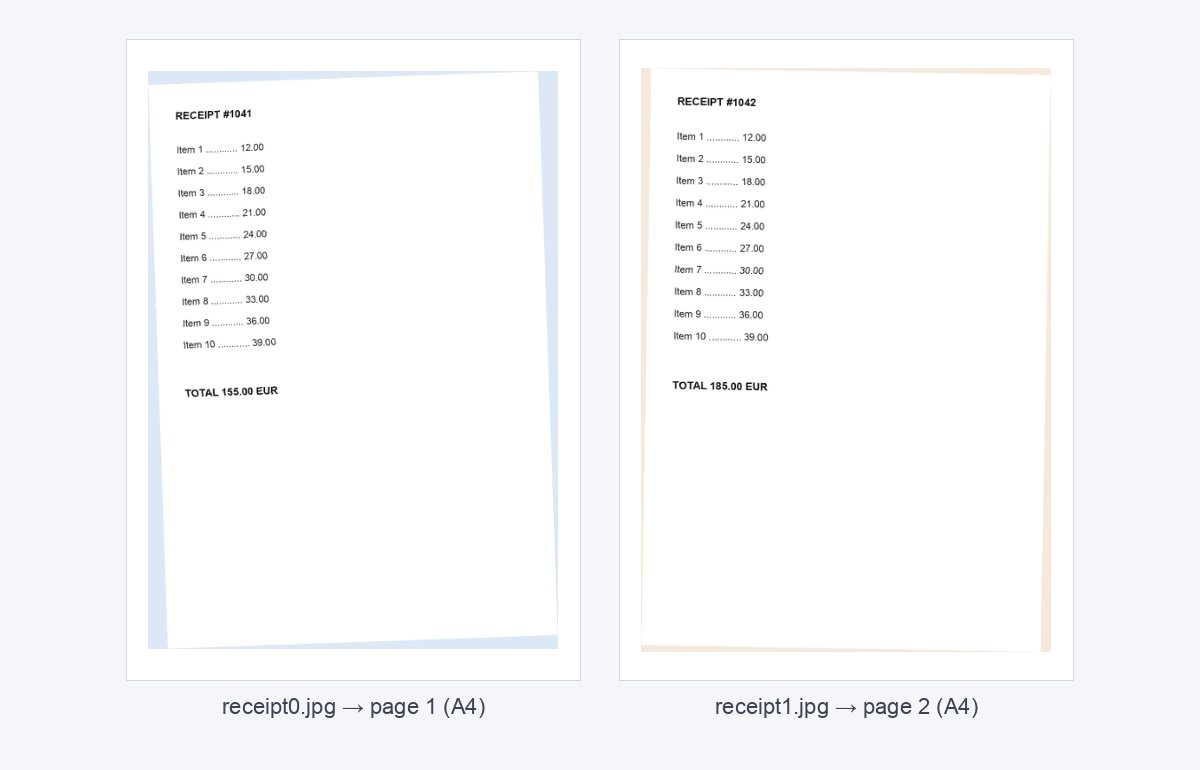
Turn phone photos of receipts into one PDF for an expense claim, combine scanned pages of a signed contract, send screenshots as a single document, or make a portfolio from image files. A4 with margins looks like a printed document; “same as image” keeps every pixel and suits screenshots and designs.
The order follows the file picker – name the files 01, 02, 03… to control it.
Tips for scans and photos
- Photograph documents flat, in daylight, filling the frame; crop before converting.
- Large photos make large PDFs: run the result through compression before e-mailing it.
- Images contain no searchable text – a name in a photo cannot be found by a word search. To hide part of an image, draw a box with the redaction tool.
- Need to add the result to other PDFs? Use merge.
Example: an expense claim
Take a photo of each receipt, choose all of them at once and pick “A4 pages with margins”: every receipt lands on its own A4 page, centred and printable, in one PDF you can attach to the claim. Ten phone photos can easily add up to 30 MB – compress the PDF before sending.
Convert images to PDF – questions
Which formats are supported?
JPG, PNG, GIF, BMP, TIFF and WebP – up to 20 images and 30 MB at a time.
Can I fit the images to A4?
Yes – choose "A4 pages" to centre every image on an A4 page with margins.
Do you keep my files?
Only for a short time: uploads are deleted right after processing, the result after 30 minutes – or at once with “Delete now”.