Merge PDF files
Combine up to 25 PDFs into one file. They are merged in the order you select them.
How it works
Choose 2–20 PDFs
Up to 10 MB each and 30 MB together.
Check the order
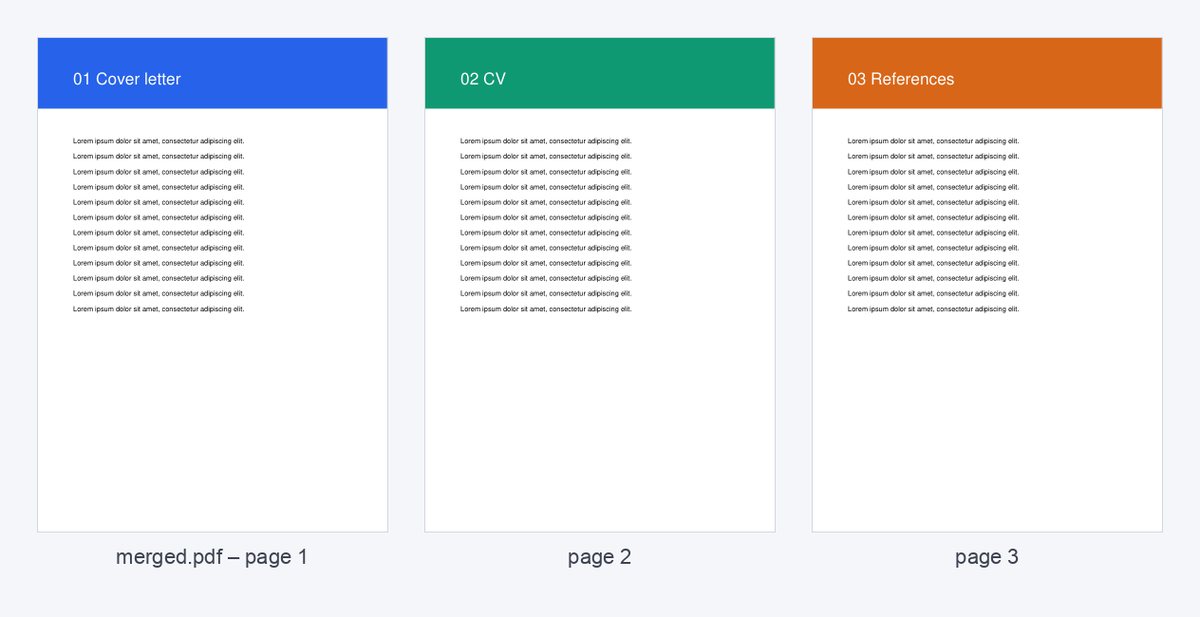
Files are merged in the order of the file picker – prefix the names with 01-, 02-… to control it.
Download one PDF
All pages in one file, up to 200 pages.
Sending a document pack? Use a data room instead
Put all files in one HelpRange data room: guests log in with an e-mail code, sign your NDA, and you see who opened which document – with uploads and AI answers from the documents.
Merging PDFs is handy for application packs, due diligence bundles and board packs – one file instead of ten attachments.
When merging helps
One file is easier to read, forward and archive than ten attachments. Common cases: an application pack (CV, certificates, references), a board pack, a due diligence bundle of contracts, or scanned receipts for an expense claim. Name the files 01-cover, 02-summary, 03-appendix before choosing them and the order takes care of itself.
Page content, links and form fields are kept. Bookmarks and file-level settings of the individual PDFs may be dropped.
After merging
- Add page numbers so readers can refer to “page 14”.
- If the result is too large for e-mail, compress it or send a link instead.
- Photos and scans? Turn them into a PDF first with JPG to PDF.
Sending a pack of confidential documents to several outside parties, such as bidders or investors, is the point at which a data room is simpler than one big PDF: each document stays separate, every reader logs in and you see who opened what.
Common mistakes
- Merging drafts: make sure every file is the final version – one big PDF is harder to correct than ten small ones.
- Mixed page sizes: A4 and Letter pages can be merged, but print previews will differ; convert scans to one size first.
- Password-protected files cannot be merged – remove the password first.
Merge PDF files – questions
In what order are files merged?
In the order shown in the file picker (usually alphabetical) – rename files 01-, 02-… to control it.
Are links and bookmarks kept?
Page content and links are kept; bookmarks of the separate files may be dropped.
Do you keep my files?
Only for a short time: uploads are deleted right after processing, the result after 30 minutes – or at once with “Delete now”.