Compress a PDF
Make a PDF small enough for e-mail. Images are downsampled, unused data is removed and text stays sharp.
How it works
Choose your PDF
Up to 10 MB – image-heavy files shrink the most.
Pick a compression level
Light for printing, Balanced for e-mail, Strong for the smallest file.
Download the smaller PDF
Text and vector graphics stay sharp; images are downsampled.
Too big for e-mail? Send a link instead
Share any size of PDF, video or Office file as a HelpRange link: it opens instantly in the browser, you get an alert when it is read and can revoke access later.
PDF size comes mostly from images. Compression reduces their resolution to what a screen or printer needs, re-encodes them and removes duplicate objects – without touching the text and vector graphics.
What makes a PDF large – and what compression does
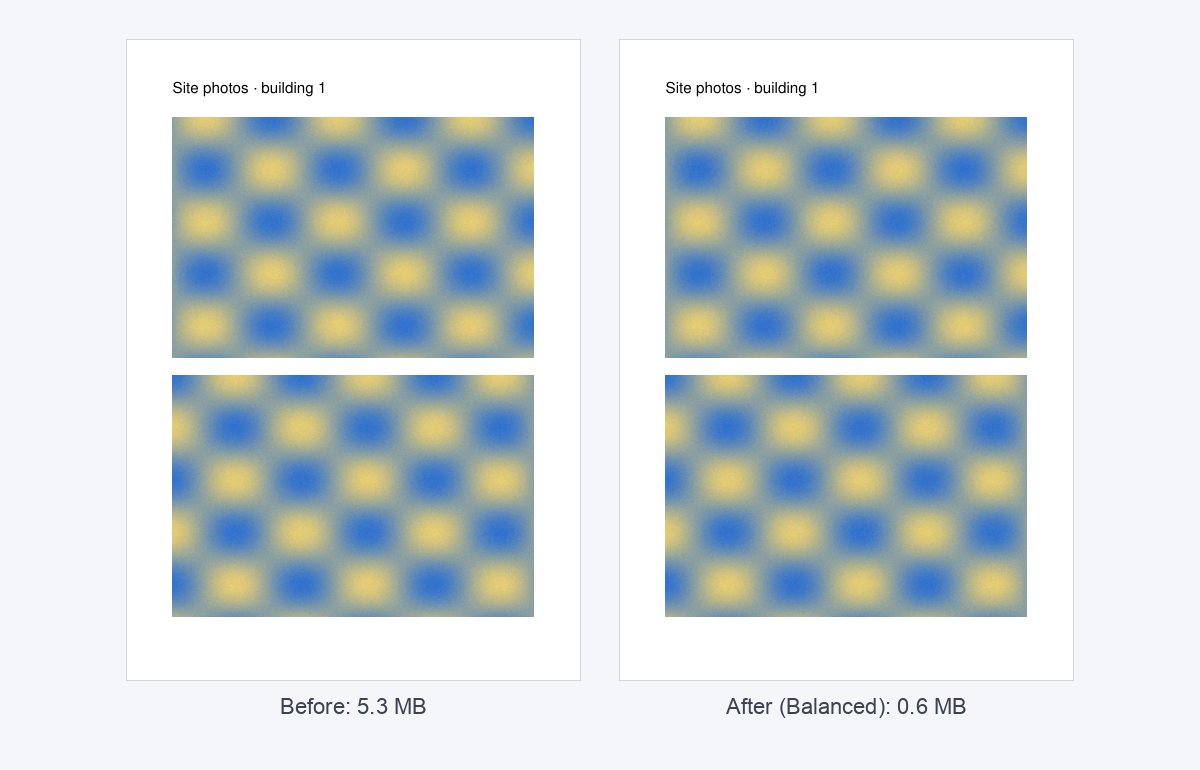
Almost always it is images: photos exported at full camera resolution, scans at 600 dpi, or the same logo embedded on every page. Compression downsamples images above the target resolution (200, 150 or 96 dpi), re-encodes them, removes unused objects and compresses fonts and streams. Text and vector drawings are not touched, so they stay sharp at any zoom.
A deck full of photos often shrinks by half or more on Balanced. A text-only PDF exported from Word is usually already small – compression cannot do much there.
Choosing the level
- Light (200 dpi) – documents that will be printed.
- Balanced (150 dpi) – e-mail attachments and screen reading; the best default.
- Strong (96 dpi) – the smallest file for previews and uploads with tight limits; photos lose detail.
Still too large for e-mail? Split it into parts, or send a link instead of an attachment – a link has no size limit and you can see when it is opened with a tracked PDF link.
Example: a 9 MB deck for an investor e-mail
A 24-slide deck with full-screen photos is 9 MB – too big for many investor inboxes. On Balanced it usually drops to 2–4 MB with no visible difference on screen. If the photos are the point (a product or a property), try Light first and check the result at 100% zoom.
Compress a PDF – questions
How much smaller will it get?
Image-heavy PDFs (scans, decks with photos) often shrink by 50–90%. Text-only PDFs are already small and change little.
Which level should I choose?
Balanced (150 dpi) is right for most documents; Strong (96 dpi) for screen-only reading; Light (200 dpi) when you will print.
Do you keep my file?
Only for a short time: uploads are deleted right after processing, the result after 30 minutes – or at once with “Delete now”.