PDF to TIFF converter
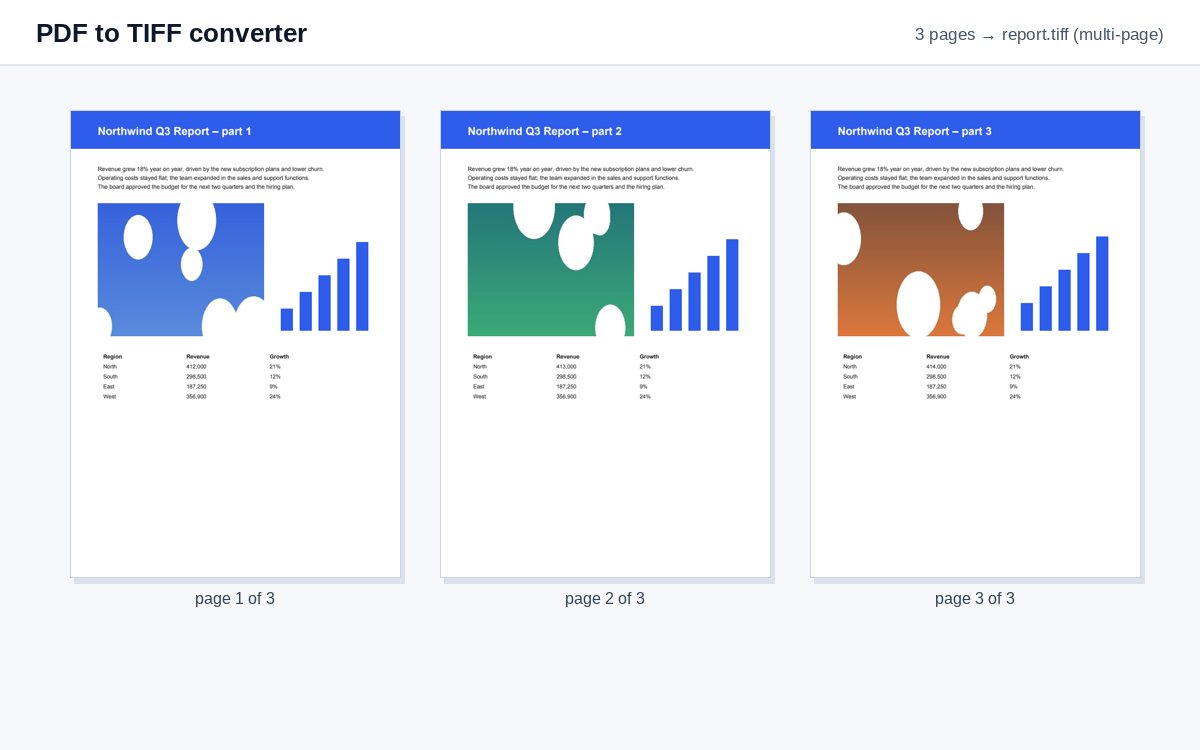
Drop a PDF and get one multi-page TIFF with every page – lossless, for archives, scanning workflows and document systems.
How it works
Drop the PDF
The conversion starts by itself.
Pages are rendered
At 150 dpi by default (300 dpi for archives and OCR under More options), lossless.
Download one TIFF
All pages in one multi-page .tiff file, in order.
Share scans and photos as one tracked link
Upload images or PDFs to HelpRange and share them as a single link with view-only access, watermark and page-by-page analytics.
TIFF is still the format of many archives, court and insurance systems, fax servers and older document management software. A multi-page TIFF keeps all pages of a document together in one lossless file. Choose 300 dpi when the TIFF will be read by OCR software.
Why TIFF for archives
TIFF is a lossless image format that many archives, courts, insurers and document management systems still require. A multi-page TIFF keeps a whole document in one file, like a PDF, but as pure images – nothing can be hidden in it, no scripts, no layers, no attachments.
For scanning and OCR workflows use 300 dpi: it is the resolution text recognition works best with.
The other way round
Received a TIFF scan that nobody can open on a phone? TIFF to PDF turns it into a PDF, and OCR makes the text searchable.
Example: a claim for an insurance portal
An insurer’s upload portal accepts only TIFF files. Drop the PDF of the signed claim form with the photos of the damage, choose 300 dpi under More options and upload the single multi-page TIFF you get back – every page in order, lossless, in one file instead of one image per page. The same works for court e-filing systems and archives that still expect TIFF, and for fax servers that send TIFF pages.
PDF to TIFF converter – questions
Do I get one file or one per page?
One multi-page TIFF with all pages, the format archives and document management systems expect.
Which compression is used?
Lossless Deflate (ZIP) compression – nothing of the image quality is lost.
Do you keep my file?
Only for a short time: uploads are deleted right after processing, the result after 30 minutes – or at once with “Delete now”.
Can I get separate TIFF files per page?
This tool makes one multi-page TIFF. For one image per page, use PDF to PNG – PNG is lossless too.