TIFF to PDF converter
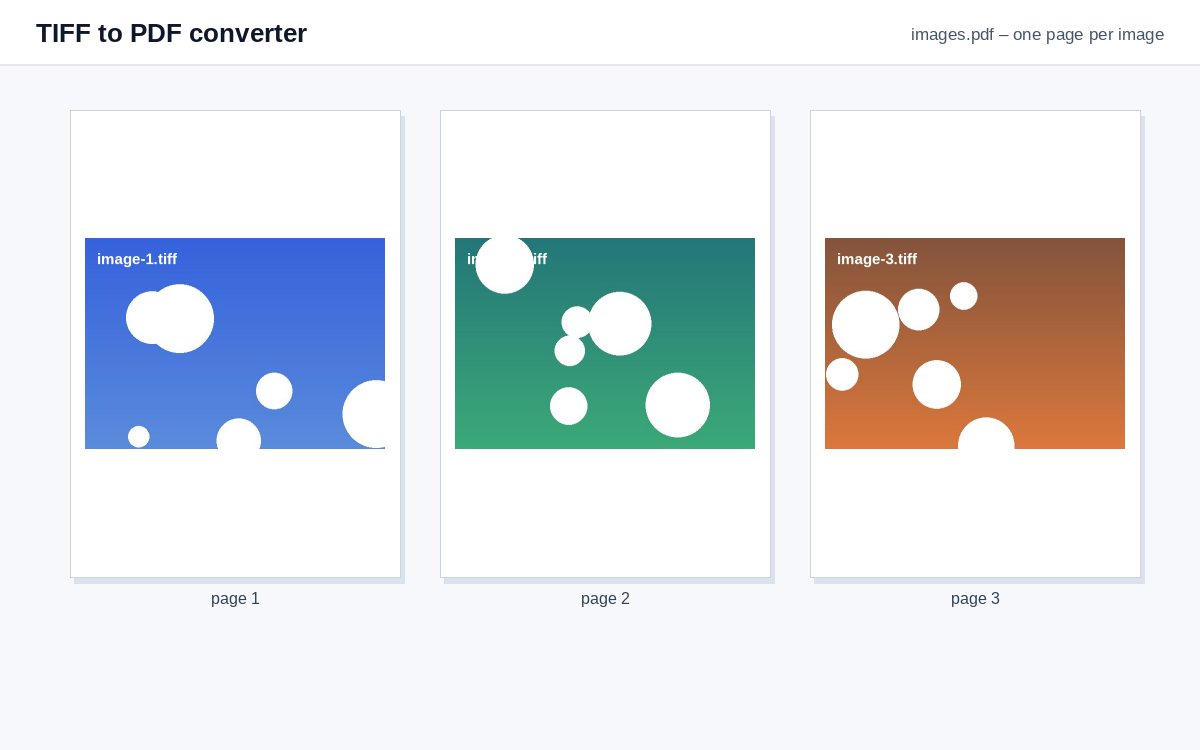
Convert scanned TIFF files to PDF – every page of a multi-page TIFF becomes a page of the PDF, without quality loss.
How it works
Choose the TIFF files
Single or multi-page TIFF scans – several files at once.
Order them
Drag the cards; every page of a multi-page TIFF stays in its order.
Create the PDF
Each TIFF page becomes a PDF page, lossless.
Share scans and photos as one tracked link
Upload images or PDFs to HelpRange and share them as a single link with view-only access, watermark and page-by-page analytics.
Scanners, fax servers and archives often produce TIFF files, which most people cannot open on a phone. A PDF of the same pages opens anywhere and can be made searchable with OCR afterwards. Each page keeps its resolution, so nothing is lost in the conversion.
From scan to shareable PDF
Scanners, fax servers and archives produce TIFF files, often with many pages in one file. Most phones and browsers cannot show them. Converting to PDF keeps every page and its quality, and the result opens anywhere.
Black-and-white fax scans stay small; colour scans at 300 dpi can be large – compress the PDF afterwards if it must go by e-mail.
Make it searchable
A scan contains pictures of text, not text. Run the PDF through OCR to search, copy and redact it.
Example: an old fax archive
A folder of multi-page TIFF faxes needs to go to a lawyer who reads on a phone. Drop the TIFF files, sort them by name and create one PDF: every fax page in order, black-and-white and small. Run OCR on the result to search the faxes for a name or a date, and add Bates numbers if the pages will be cited in a dispute. Colour scans can be compressed afterwards so the PDF fits an e-mail.
TIFF to PDF converter – questions
Are multi-page TIFFs supported?
Yes – every page of the TIFF becomes a page of the PDF, in order.
Can I make the PDF searchable?
A scan has no text. Run the result through the free OCR tool to add a searchable text layer.
Do you keep my files?
Only for a short time: uploads are deleted right after processing, the result after 30 minutes – or at once with “Delete now”.
How many pages can a TIFF have?
As many as the page limit of the tool – every page of the TIFF becomes a page of the PDF.