Make a PDF uncopyable (rasterize)
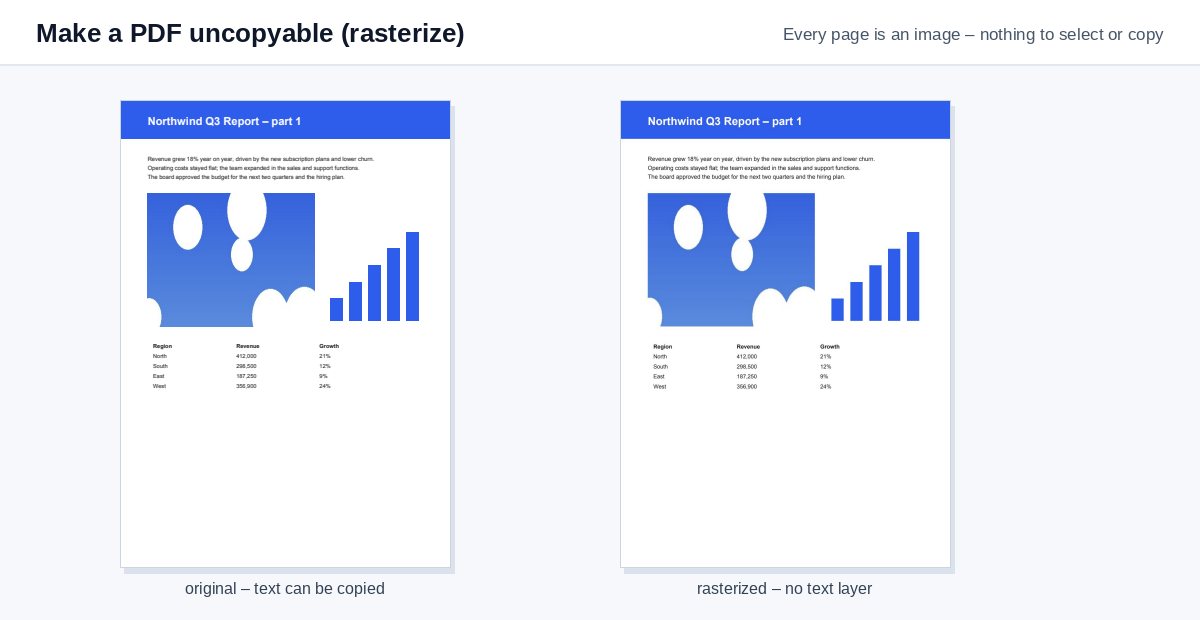
Turn every page into an image so nobody can select, copy or search the text – the document looks the same, but there is no text left to take.
How it works
Drop the PDF
Rasterizing starts by itself at 150 dpi.
Every page becomes an image
Text, vector graphics, comments and form fields are drawn into one picture per page.
Download
The PDF looks the same, but there is no text left to select or copy.
Uncopyable for real: a view-only link
A picture-only PDF can still be forwarded and printed. HelpRange shows documents in the browser with copying, downloads and printing blocked, the reader's e-mail watermarked on every page and screenshot protection – and you see who opened it.
Password permissions that "forbid copying" are ignored by many PDF programs. A rasterized PDF has no text layer at all, so there is nothing to select or copy – useful for samples, previews, price lists and exam papers you send out.
Why "no copying" permissions are not enough
A password-protected PDF can forbid copying, but many readers ignore that flag and free tools remove it in seconds. A rasterized PDF has no text layer at all: what you see are images of the pages. Use it for samples, previews, exam papers, price lists and documents you want people to read but not reuse.
Quality and file size
- 150 dpi (default) reads well on screen and prints acceptably.
- 100 dpi gives the smallest files for previews; 300 dpi for printing.
- Files with mostly text can grow larger than the original – compress them if needed.
The text is not truly protected: someone can retype it or run OCR. To stop downloads, forwarding and screenshots, share a view-only link instead.
Example: a sample chapter
You sell a guide and want to send a free sample chapter. Rasterize the sample at 150 dpi: readers can scroll and print it, but cannot copy whole paragraphs into their own material or paste the text into a chatbot. Add a header such as “Sample – not for resale” first, so it is part of the picture.
Make a PDF uncopyable (rasterize) – questions
Can the text still be copied?
Not as text – each page is a picture. Someone could still retype it or run OCR on it; to stop forwarding and screenshots too, share the PDF as a protected view-only link.
What do I lose?
Searchability, selectable text, links, bookmarks, form fields and accessibility for screen readers. Keep the original for yourself.
Do you keep my file?
Only for a short time: uploads are deleted right after processing, the result after 30 minutes – or at once with “Delete now”.
Can I make it searchable again later?
Only with OCR, which recognises the text from the images – keep your original PDF instead.