Password-protect a PDF
Encrypt a PDF with AES-256 and a password of your choice. Optionally block copying and printing.
How it works
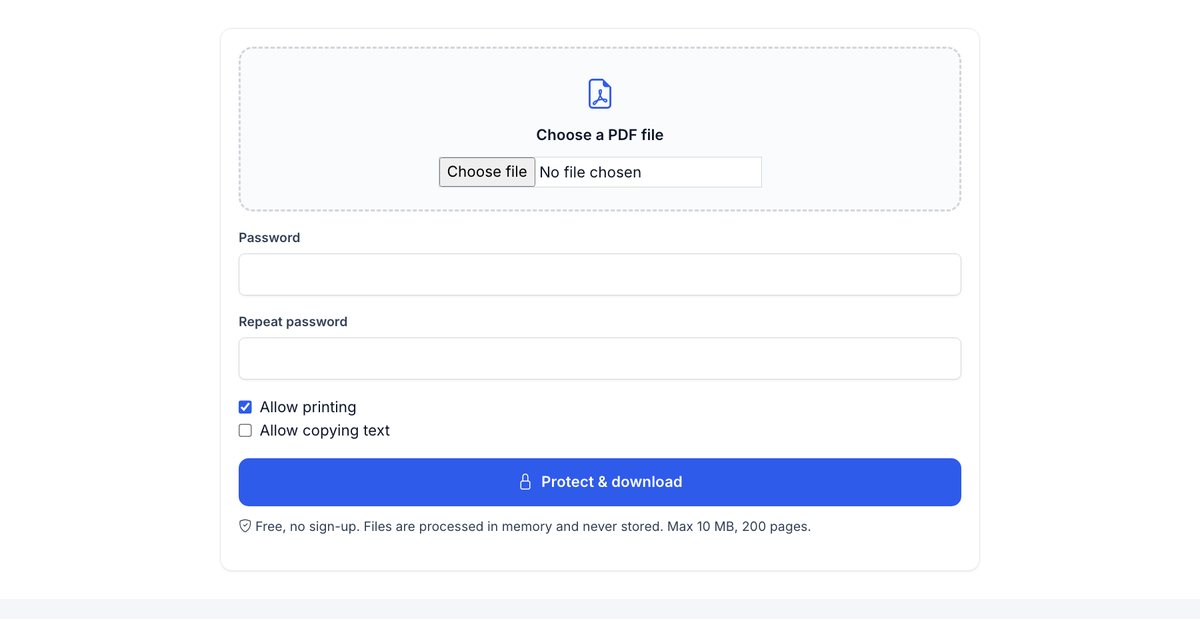
Choose your PDF
Up to 10 MB; files are deleted within 30 minutes.
Set a password
At least 6 characters – 10 or more with numbers and symbols is much stronger.
Choose permissions
Allow or block printing and copying text.
Download the encrypted PDF
Send the password through another channel than the file.
Passwords get forwarded. Links with e-mail verification don't.
With HelpRange only the people you choose can open the document (one-time code to their e-mail), downloads can be blocked, access expires or is revoked – and you see who opened it and which pages they read.
Password protection keeps a PDF unreadable without the password – useful when a file has to travel as an attachment. Its weak point is the password itself: it is often sent in the next e-mail and forwarded together with the file. For confidential documents, a link that verifies the reader's e-mail and can be revoked is safer.
When a password is the right tool
Password protection encrypts the whole file, so it is unreadable without the password – on a lost laptop, in a mailbox that is breached, or in a shared folder. That makes it a good fit for files that must travel as attachments: payslips, tax returns, medical letters, contracts sent to one person.
Tips: use a different password per recipient or per document, send it by phone or messenger rather than in the next e-mail, and keep a copy of the unprotected file – a lost password cannot be recovered.
Its limits
- Anyone with the password can open, save and forward the decrypted content.
- “No printing” and “no copying” permissions are respected by Adobe Reader and most viewers, but some tools ignore them.
- You cannot change the password or take access back after sending.
If you need to know who opened the document or to withdraw access later, send an expiring link or a link that verifies the reader’s e-mail instead. To make form fields read-only first, flatten the PDF.
Example: sending a salary statement
Protect the PDF with a password such as the employee number plus a word you agree in person, untick “Allow copying text”, and send the file by e-mail. Tell the employee the password rule once – not with every message. They can open and print it; anyone who gets the e-mail by mistake sees only an encrypted file.
Password-protect a PDF – questions
How strong is the encryption?
AES-256 – the standard used by Adobe Acrobat. Use a password of 10+ characters.
Do you store my file or password?
No. Both are used in memory to create the encrypted file and are not kept.
How do I send the password?
Never in the same e-mail as the PDF – use a phone call or a messenger. Or share a link that only the recipient's e-mail can open.
Can I remove the password later?
Yes – open the PDF with the password in any PDF editor and save it without encryption, or keep the original unprotected file.