PDF to text converter
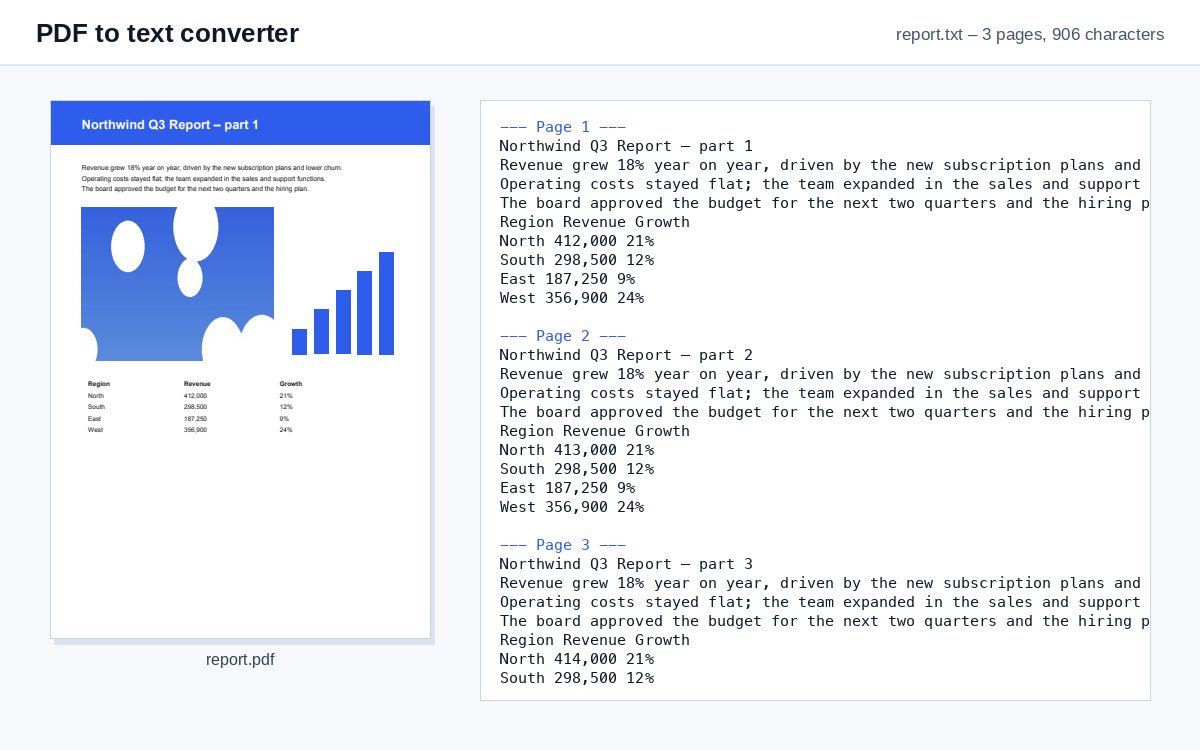
Drop a PDF and download its text as a .txt file – page by page, ready to edit, search, translate or paste anywhere.
How it works
Drop the PDF
The text is extracted as soon as the file is in.
Check the options if you need to
Page markers are on by default; keep the layout for tables and columns.
Download the .txt
UTF-8 text that opens in any editor – Notepad, TextEdit, VS Code, Word.
Text recognised. Now control who reads it.
Share the searchable PDF as a HelpRange link: see who opened it and which pages they read, stamp every page with the reader's e-mail, block downloads and revoke access any time.
Plain text is the most portable format there is: it opens in every editor, can be searched and compared, pasted into an AI assistant, a translation tool or a database – without the formatting of the PDF getting in the way.
Page breaks and layout
- Mark page breaks (default) – a line "--- Page 2 ---" before each page, so you can find where a quote came from.
- Form feed – the classic invisible page-break character that pdftotext and printers use.
- No page breaks – one continuous text, best for pasting into an AI assistant or a translator.
- Keep the layout – words stay at their horizontal position, so columns and tables line up in a monospaced font.
Scanned PDFs
If the PDF is a scan, there is no text to extract – only pictures of pages. The tool says so and offers Continue with OCR: the same file goes to the OCR tool, which recognises the text. Then run PDF to text again. For tables, PDF to CSV keeps the rows and columns.
Example: quoting from a report
You need a few paragraphs of a 60-page report in an e-mail. Copying from the PDF viewer breaks every line in the middle of a sentence. Extract the text here, open the .txt file, search for the passage – the page marker above it tells you which page to cite.
PDF to text converter – questions
What if my PDF is a scan?
A scanned PDF has no text, only pictures of pages. The tool tells you so and offers to continue with OCR, which recognises the text first.
Can I keep the layout of columns and tables?
Yes – tick "Keep the layout" under More options: words stay at their position on the line, so columns line up in a monospaced font.
Do you keep my file?
Only for a short time: uploads are deleted right after processing, the result after 30 minutes – or at once with “Delete now”.
Which encoding is the text file?
UTF-8, the encoding every modern program reads – accents, Cyrillic, Greek and Asian scripts included.