Bates numbering for PDFs
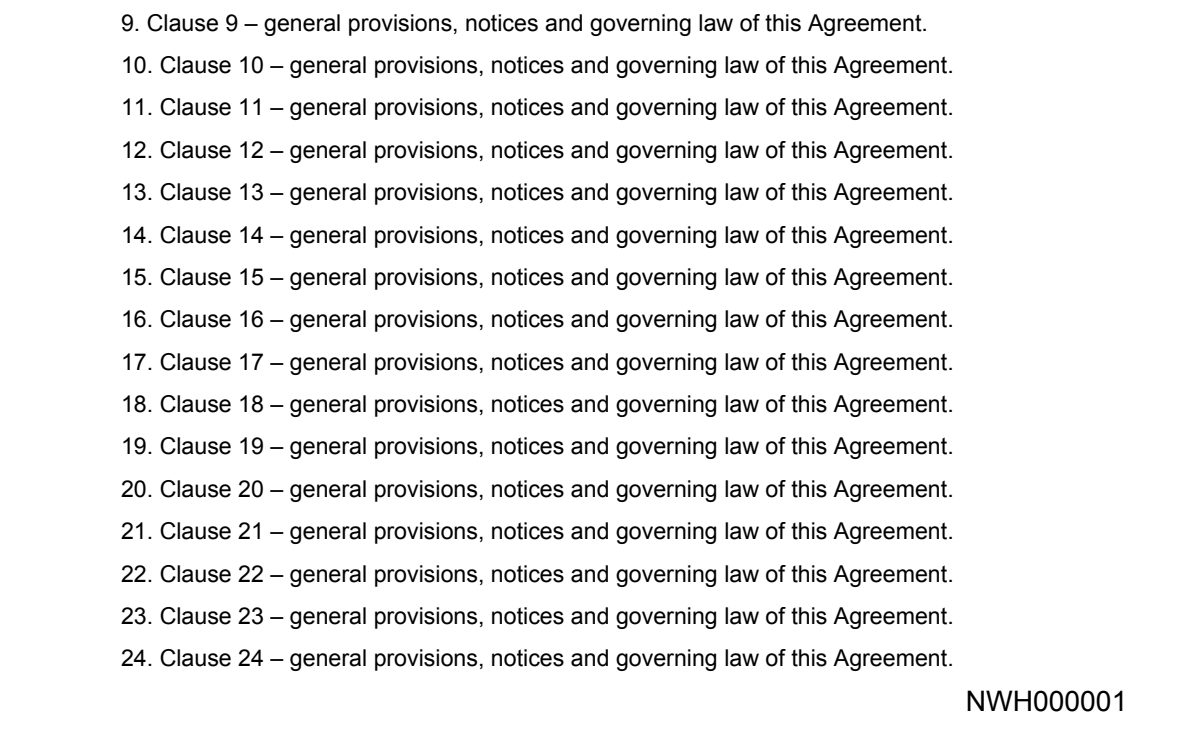
Stamp a unique number such as ABC000001 on every page of one or more PDFs – numbering continues from file to file, and you get an index of the ranges.
How it works
Choose your PDFs
One file or up to 20 – 10 MB each, 30 MB together. Files are deleted within 30 minutes.
Set the Bates format
Prefix (e.g. ABC), first number, number of digits (6 gives 000001) and an optional suffix.
Pick position and size
Bottom right is the usual place; the number is stamped in black on every page.
Download
One file gives the stamped PDF; several give a ZIP with every stamped file and a CSV index of the ranges.
Sending a document pack? Use a data room instead
Put all files in one HelpRange data room: guests log in with an e-mail code, sign your NDA, and you see who opened which document – with uploads and AI answers from the documents.
Bates numbers give every page of a document production its own permanent reference, so both sides, the court or the buyer’s advisers can point to the same page without confusion. Use them for litigation and discovery productions, regulatory submissions, due diligence data rooms and large contract sets.
How to add Bates numbers to a PDF for free
- Choose the PDFs above in the order they should be numbered (or choose “By file name” under More options).
- Type the prefix – usually the party or matter, such as
ABCorSMITH-– and the first number. - Choose the number of digits: 6 digits give
ABC000001, enough for 999,999 pages. - Pick the position (bottom right is standard) and click the button. Several files come back as a ZIP with an index.
In Adobe Acrobat the same function sits under Organize Pages → More → Bates Numbering, and only in Acrobat Pro.
Bates numbering conventions
- Keep one prefix per producing party or matter, and never reuse a number – the next production starts where the last one ended.
- Stamp the final versions only: a page added later breaks the sequence.
- Use the index (CSV) as the production log: file name, first and last Bates number and page count of every document.
- Place the number where it does not cover text – bottom right inside the margin is the usual choice.
- Redact first, then number: remove personal data before the pages get their final numbers.
Bates numbering for PDFs – questions
What is Bates numbering?
A unique, sequential identifier stamped on every page of a set of documents – usually a prefix and a zero-padded number, such as ABC000001. Lawyers use it to reference pages in discovery, court filings and due diligence ("see ABC000214").
Can I add Bates numbers without Adobe Acrobat Pro?
Yes. Acrobat has Bates numbering only in the paid Pro version; this tool does it for free in the browser, with prefix, suffix, start number and zero padding.
Does the numbering continue across several PDFs?
Yes. Choose up to 20 PDFs: the first page of each file continues where the previous file ended. You get a ZIP with the stamped files and an index (CSV) with the first and last Bates number of each file.
In what order are the files numbered?
In the order you choose them, or alphabetically by file name if you pick that option – name the files 01-, 02-… to control the order.
Do you keep my files?
Only for a short time: uploads are deleted right after processing, the result after 30 minutes – or at once with “Delete now”.