PDF to PNG converter
Drop a PDF and download every page as a lossless PNG – text, charts and lines stay perfectly sharp.
How it works
Drop the PDF
The conversion starts as soon as the file is in – no button to press.
Every page is rendered
Lossless, at 150 dpi, with form fields and annotations drawn as you see them.
Download
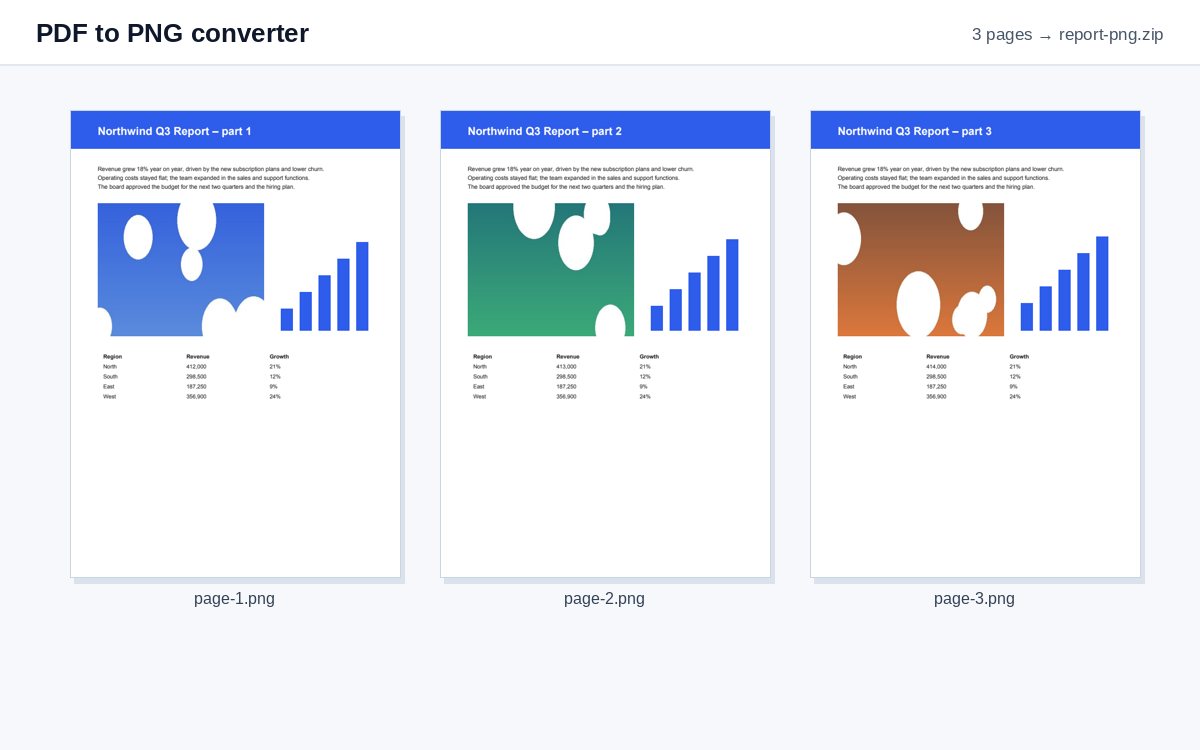
One page gives one PNG; several pages a ZIP with one PNG per page.
Share scans and photos as one tracked link
Upload images or PDFs to HelpRange and share them as a single link with view-only access, watermark and page-by-page analytics.
PNG keeps every pixel exactly as rendered, which makes it the right format for documentation, slides, wikis and design tools where text and thin lines must stay sharp.
When PNG is the better choice
PNG compresses without losing anything, so text, thin lines, tables and charts look exactly as on screen – no blurry edges around letters as with JPG. Use PNG for documentation, wikis, slides, design mock-ups, and for pages you will crop or edit further. For photographs and scans, PDF to JPG gives files several times smaller.
Tips
- Need one page only? Type it under More options (e.g.
3). - For a print-quality image choose 300 dpi – an A4 page becomes about 2480 × 3500 pixels.
- All pages in one image file for an archive? PDF to TIFF makes one multi-page file.
Example: a diagram for the documentation
An architecture diagram exists only as page 4 of a PDF. Type 4 under More options, choose 300 dpi and you get one sharp PNG to paste into the wiki or a slide – the thin lines and small labels stay readable when people zoom in. The white background prints cleanly and the file name tells you where it came from.
PDF to PNG converter – questions
PNG or JPG – which should I choose?
PNG for pages with text, diagrams and screenshots: it is lossless, so letters stay crisp. JPG for photos and scans: the files are much smaller.
Is the background transparent?
No – pages are rendered on white, as they look in a PDF viewer.
Do you keep my file?
Only for a short time: uploads are deleted right after processing, the result after 30 minutes – or at once with “Delete now”.
How large will the PNG files be?
A text page at 150 dpi is usually 100–300 KB; a page full of photos can be several MB – use JPG for those.