PNG to PDF converter
Turn PNG images and screenshots into one PDF – lossless, each image on its own page, in the order you choose.
How it works
Choose the PNG files
Drop one or many images – screenshots, diagrams, exported charts.
Put them in order
Drag the file cards, or sort them by name.
Create the PDF
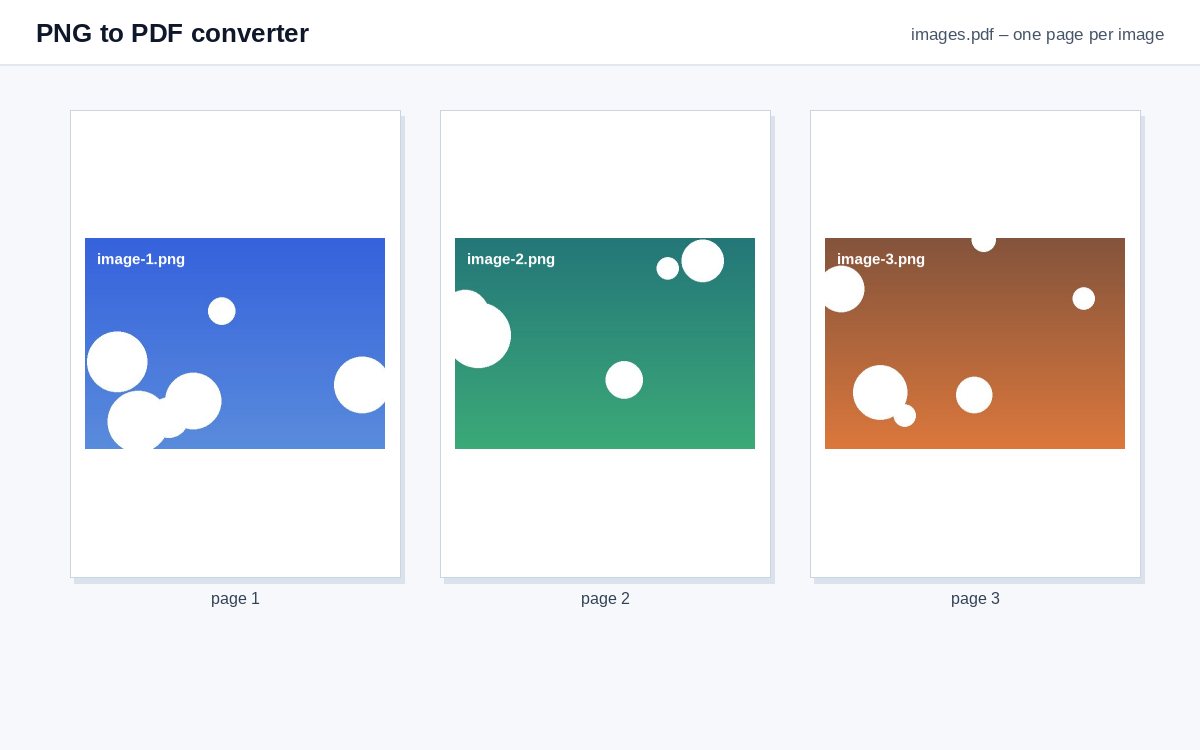
Each image becomes a page at its own size (or on A4 under More options) – lossless.
Share scans and photos as one tracked link
Upload images or PDFs to HelpRange and share them as a single link with view-only access, watermark and page-by-page analytics.
Screenshots, diagrams and exported charts are usually PNG files. Putting them into one PDF makes them easy to send as a single attachment, print in order or add to a report. Each image keeps its own size, so wide screenshots and tall diagrams are not squeezed onto the same paper.
Lossless and transparent
PNG images are put into the PDF without re-compressing them, so screenshots stay pixel-sharp. Transparent areas stay transparent and show the white page behind them. By default each page has the size of its image; choose "A4 pages with margins" to print them on paper.
What next
- Many large screenshots? Compress the PDF before you e-mail it.
- Mixed JPG and PNG files work here too – or use JPG to PDF.
- Need the images back? PDF to PNG.
Example: a bug report with screenshots
Six screenshots show the steps that lead to an error. Drop all six, sort them by name (screen-1.png, screen-2.png…) and create the PDF: one page per screenshot, in order, pixel-sharp. Attach one file to the ticket instead of six, and everybody scrolls through the steps in the same order. Add page numbers afterwards if you want to refer to “step 4” in the discussion, and compress the PDF if the screenshots were taken on a large monitor.
PNG to PDF converter – questions
Will my PNG lose quality?
No – PNG images are embedded losslessly, pixel for pixel.
Can I combine several PNGs into one PDF?
Yes – choose or drop all of them at once, drag the cards to change the order and create one PDF.
Do you keep my files?
Only for a short time: uploads are deleted right after processing, the result after 30 minutes – or at once with “Delete now”.
Can I mix PNG and JPG files?
Yes – JPG, PNG, WebP, GIF, BMP and TIFF can be combined in one PDF.