Add a watermark to Word or PowerPoint
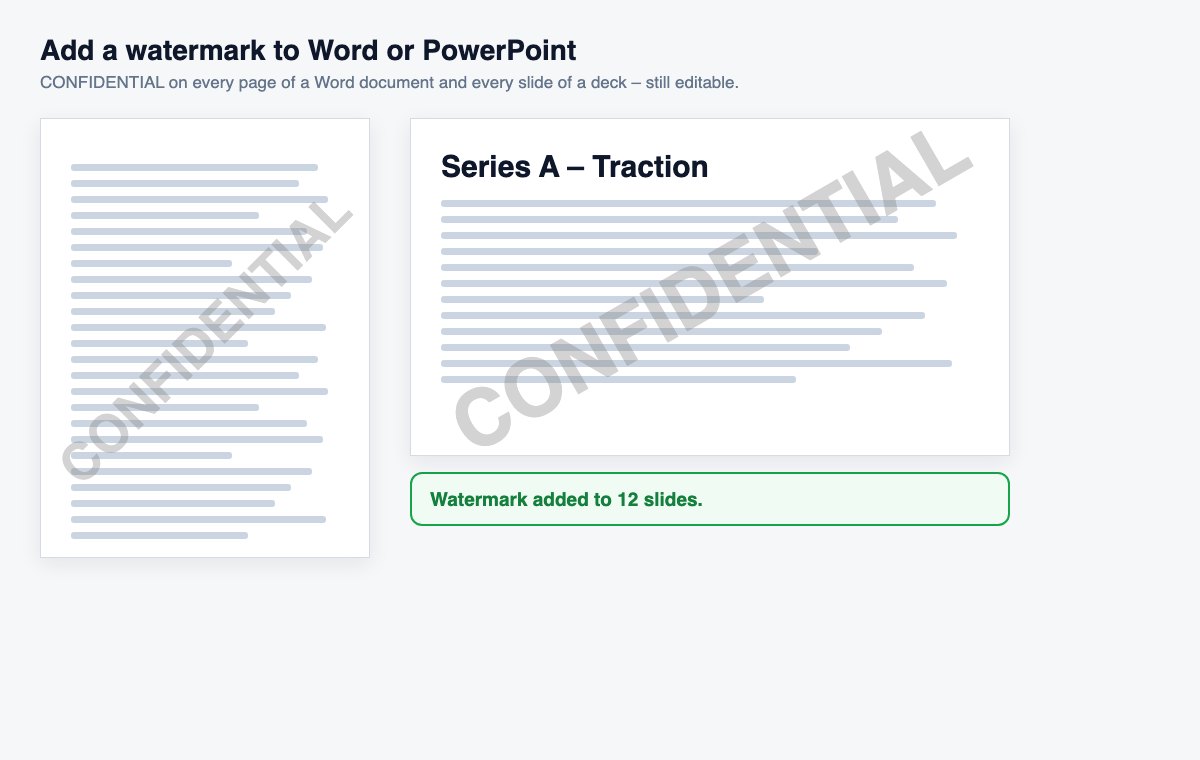
Drop a .docx or .pptx file, keep CONFIDENTIAL or type your own text, and download it with a watermark on every page or slide.
How it works
Drop the Word or PowerPoint file
.docx or .pptx – up to the size shown under the tool.
Keep CONFIDENTIAL or type your text
DRAFT, INTERNAL, a client’s name – and choose visibility and angle if you like.
Download
The same file, still editable, with the watermark on every page or slide.
Watermarks that follow every reader – automatically
HelpRange stamps each viewer's e-mail on every page when they open your link – no files to prepare per person – and shows who read which pages. Block downloads, require an NDA, revoke access any time.
Marking drafts and confidential documents before they leave the team prevents the classic mix-ups – the draft sent as final, the internal version forwarded to a client. Adding the watermark to the Word or PowerPoint file itself keeps it editable for your colleagues.
Word, PowerPoint or PDF?
A watermark in the Office file is right while the document is still being worked on – colleagues can keep editing and the marking travels with every copy. For the final version, convert it to PDF and use the PDF watermark – it can also put each recipient’s e-mail on the pages, so a leaked copy points to its reader.
Choosing the text and visibility
Short words read best: CONFIDENTIAL, DRAFT, INTERNAL, SAMPLE or DO NOT COPY. A client or project name works too, and makes it obvious where a copy came from. Medium visibility is right for most documents; choose Light for long texts that people must read comfortably and Strong for samples and previews. The diagonal angle covers more of the page and is harder to crop out of a screenshot; horizontal looks calmer on slides with charts. Each run adds one watermark – run the tool again on the original file to change the text, rather than on a file that already has one.
Add a watermark to Word or PowerPoint – questions
Where does the watermark go?
In Word it is placed in the header like Word’s own Watermark command, so it shows on every page, behind the text. In PowerPoint every slide gets a locked, semi-transparent text box across it.
Can the watermark be removed?
Yes, by anyone who edits the file in Office – it is a marking, not a protection. To keep a document from being edited or forwarded, share it as a view-only link instead.
Do you keep my file?
Only for a short time: uploads are deleted right after processing, the result after 30 minutes – or at once with “Delete now”.