Let people ask for access to your data room – you decide who gets in
Short answer: Yes – a HelpRange data room can have one shareable “request access” link. Visitors verify their e-mail and ask for access, and you approve or deny; approved guests get the normal invitation with NDA and every room rule. Part of Max ($87 per team a month) and up.
Turn on “Anyone with the link can request access” and share one link to your data room. A visitor confirms their e-mail with a one-time code and sends a request with their name, company and a message; you approve or deny it on the room page. Until you approve, the link shows only the room name and your logo – never the documents.
Your whole team, unlimited guests, one price. Or $199 for a single deal. No sales call.
Max is $87 a month for your whole team – data rooms, NDA before access, AI Q&A. The Deal Room Pass is $199 once for 90 days and never renews. Sign up and pay by card.
One link per data room
Put it in a teaser, an e-mail or a deal listing. Turn it off at any time or create a new link – the old one stops working.
Nothing is revealed before approval
The request page shows only the room name and your logo, in your readers’ language. No documents, no file names, no guest list.
Verified e-mail only
A request is created only after the visitor types the one-time code we e-mail them. Someone who is already a guest goes straight to the normal room login.
You hear about every request
The room owner and the team’s administrators get an e-mail, and a Slack message or webhook if you have connected one.
Approve or deny in one click
Approve adds the visitor as a guest, exactly like inviting by e-mail, and sends the room invitation. Deny can send a polite e-mail – or nothing.
Every room rule still applies
NDA before access, document acknowledgement, the room’s expiry date and the other room settings apply when the new guest logs in, as for invited guests.
How it looks in HelpRange
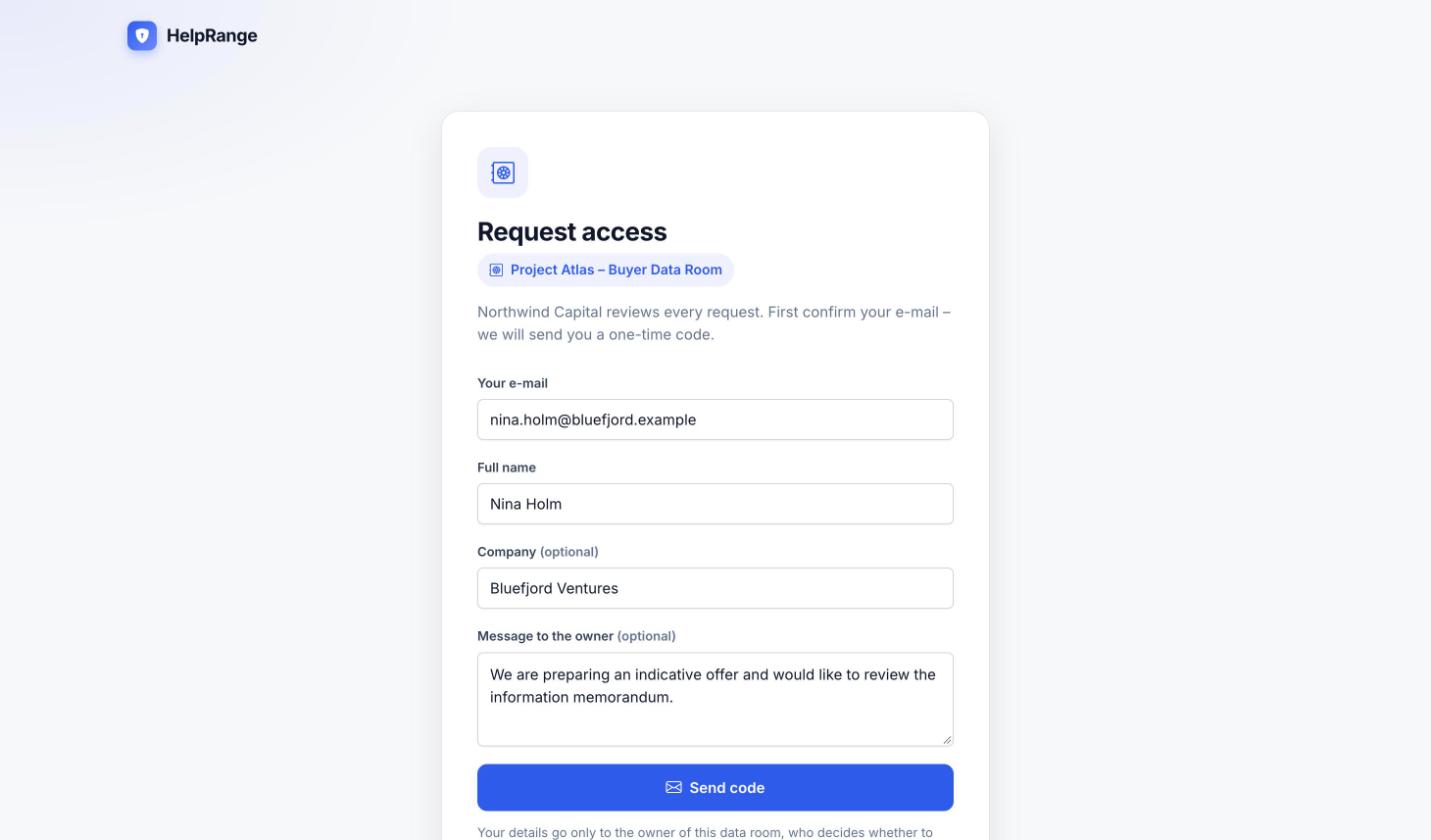
What the visitor sees
The room name and your logo, and a short form: e-mail, name, and optionally company and a message. The e-mail is confirmed with a one-time code.
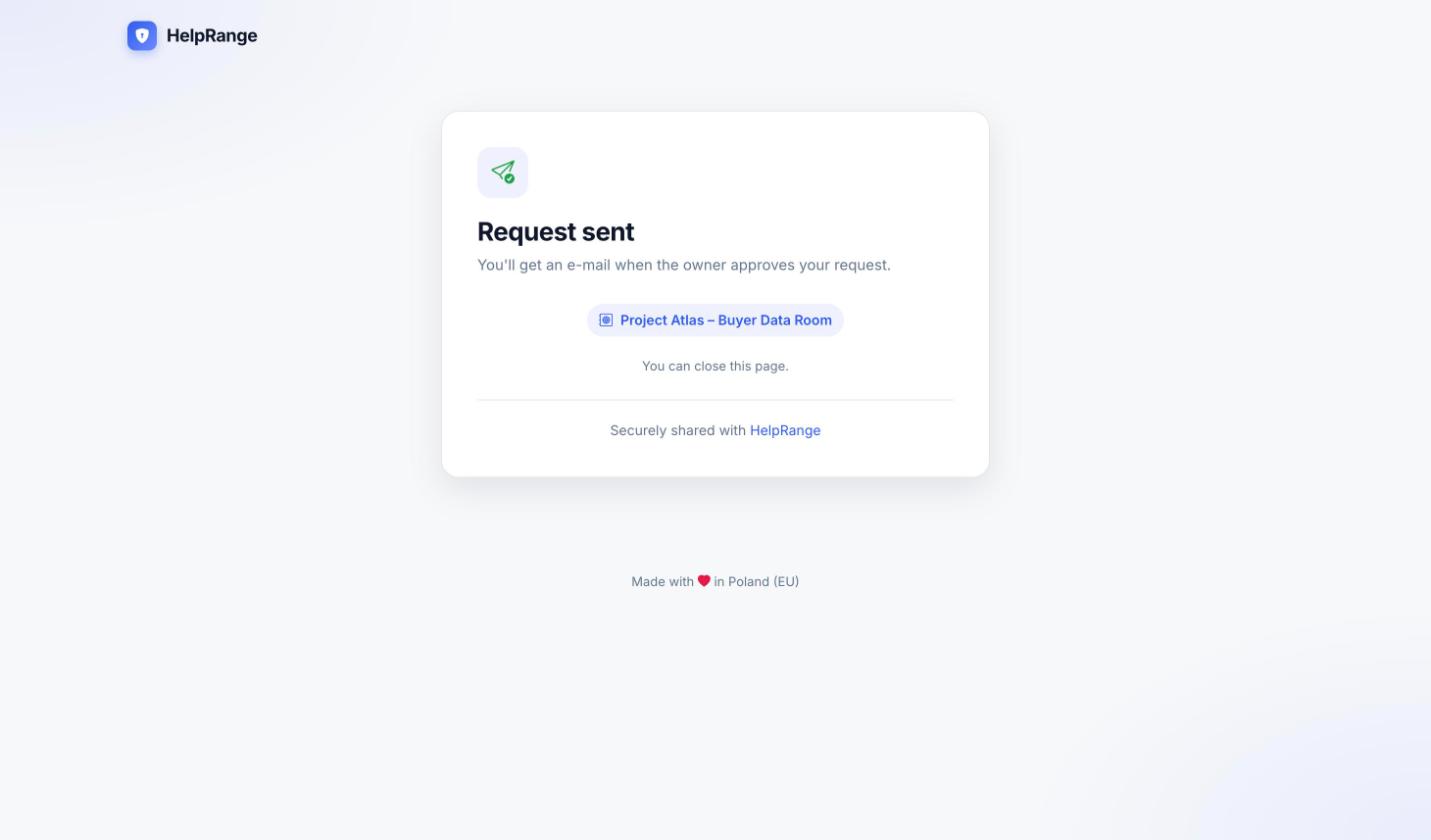
“Request sent”
After the code the visitor sees “Request sent” and gets the room invitation by e-mail once you approve.
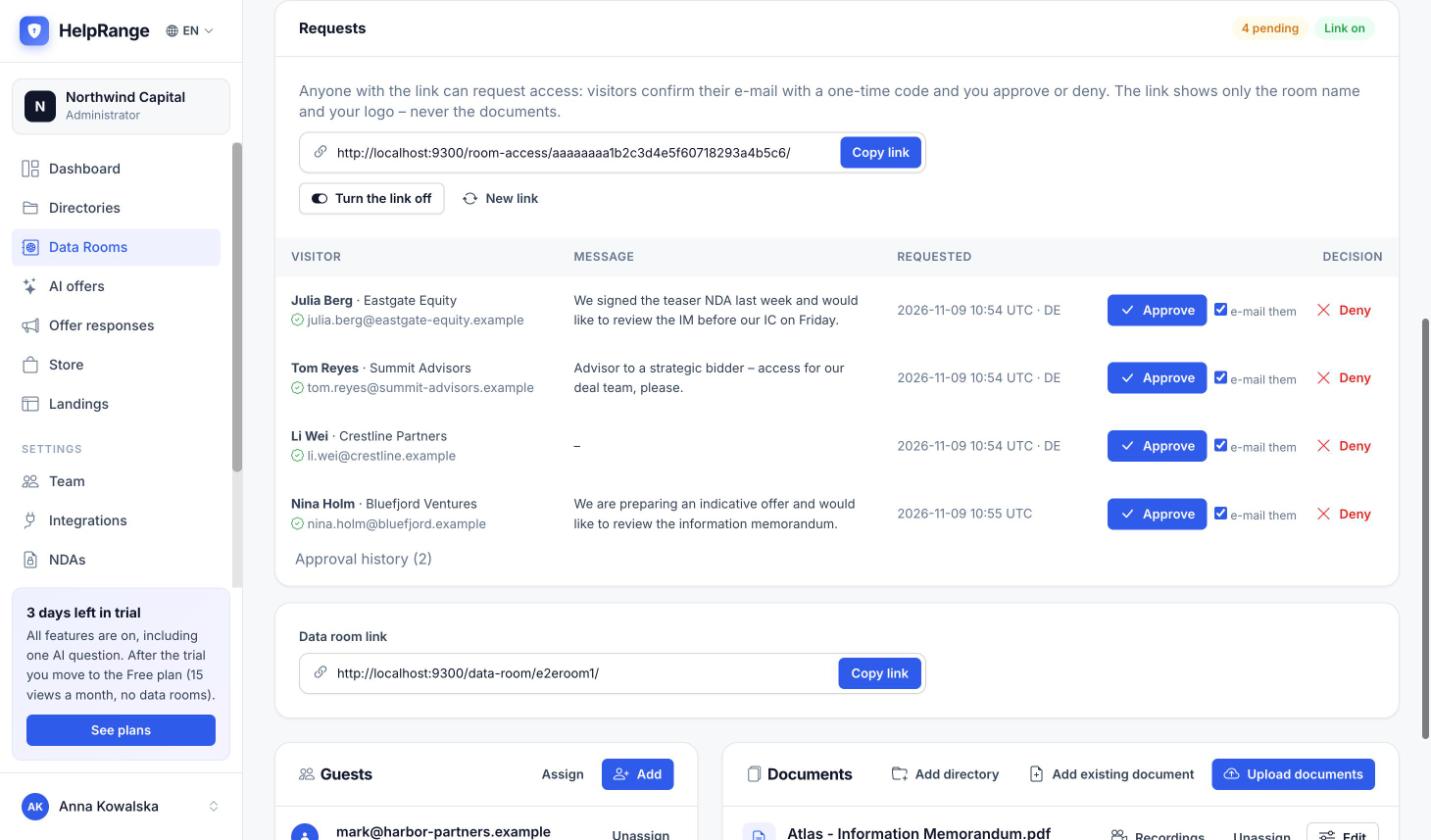
Approve or deny on the room page
The Requests card lists every visitor with their confirmed e-mail, company, message, time and country. Copy the link, turn it off or create a new one here.
Where teams use it
Deals and fundraising
Put the link in a teaser or an investor update. Buyers and investors ask for the data room and you let in the ones you have qualified – NDA first, if you require it.
Publishers and research
Publish one link to a research or members’ room. Readers ask for access and you approve subscribers or press – the files are never sent to anyone.
Sales
Link a room with case studies, security documents or pricing from a proposal or your website. Prospects say who they are before they read, and you see who asked.
HR and recruiting
Candidates, new hires or contractors ask for the onboarding or policy room. HR approves the right people, and acknowledgement records who accepted which policy.
When you create the data room or later in its Settings: “Anyone with the link can request access”. Copy the link from the Requests card.
Visitors confirm their e-mail with a one-time code and send their name, company and a message.
Approved visitors get the room invitation; denied visitors can get a polite e-mail.
Request access is part of Max ($87 per team per month, $69 billed yearly), Unlimited ($174, $139 billed yearly) and the Deal Room Pass ($199 once for one 90-day deal), and you can try it in the 3-day trial. Pro data rooms do not have the request-access link. Plans & pricing
Request access – questions
What does a visitor see before approval?
Only the room name and your team’s logo, in your readers’ language. Documents, file names and the guest list stay hidden until you approve.
Can someone flood me with requests?
A request needs a confirmed e-mail. Code e-mails are limited per IP address, per browser and per room; a room takes at most 20 requests an hour and 50 pending ones, and an e-mail you denied cannot ask again for 7 days.
What happens when I approve?
The visitor becomes a guest of the room, as if you had invited them by e-mail, and gets the room invitation. NDA, acknowledgement, expiry and the other room settings apply when they log in.
Is the visitor told when I deny?
Only if you want: tick “e-mail them” next to Deny and they get a polite e-mail; otherwise nothing is sent.
What if the visitor is already a guest?
After confirming the code they go straight to the room login – no request is created.
Can I switch the link off?
Yes. Turn it off or create a new link on the Requests card; the old link stops working at once. The link also stops when the room expires.
Which plans include it?
Max, Unlimited, the Deal Room Pass and the 3-day trial. Pro data rooms do not have the request-access link.
Try it on your own documents
3-day free trial, then a free plan. No credit card required.
Start free trial